| Customization / Skins & Themes / Windows Utilities / Visual Styles | ©2008-2012 ~archnophobia |
The Journal Portal
Browse Journals |
Polls |
deviantART [dee·vee·un'nt·ART]
Keep in Touch!
|
Deviousness |


--
somewhere, there's a little town called hope
and someday maybe baby, he'll inhale that smoke!
--
"God made man to make Lamborghinis" -Me
I SUPPORT THE OPERA WEB BROWSER>>DOWNLOAD
--
GOING TO HAVE A NICE DAYssss
--
mody EL NGM
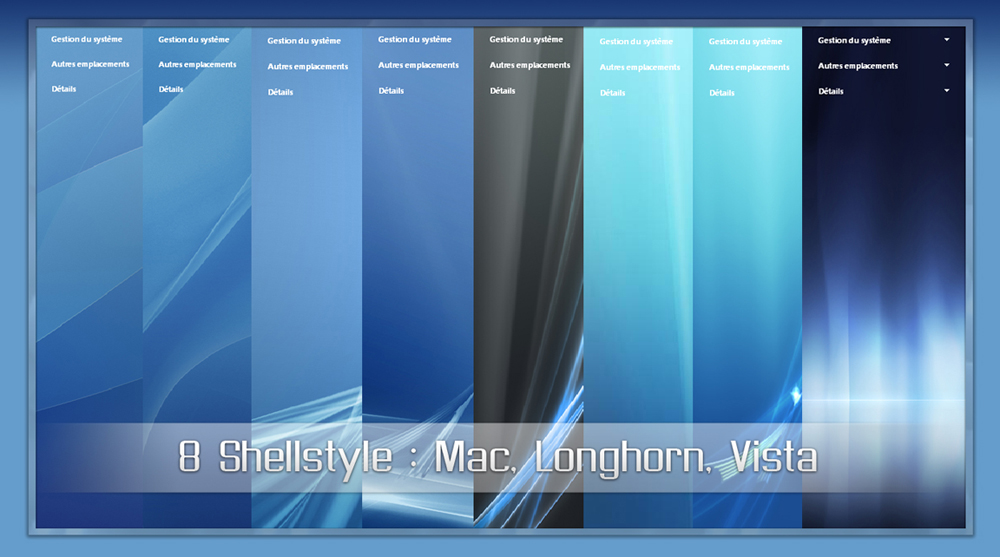
for those of you who have the same problem trying to use stand alone shellstyles while using windowblinds try this:...
go to my computer > properties > advnaced > performance settings :
there u will scroll down to "Use common task in folders" disable it click & ok...
now take the shellstyle u wish to use and to go to C:\WINDOWS\Resources\Themes\Luna\Shell\NormalColor
put your shellstyle.dll there. [ make a back up of the one that is already there first ]
then go back to my computer > properties > advnaced > performance settings and enable "use common task in folder" click ok...
now, in window blinds in "user overrides" check always use shellstyle defined in: and select "always use blue shellstyle"
and that should do it. it works for me. enjoy.
--
- autonami² -
- autonami².house -
- futurisiticproductions -
--
- autonami² -
- autonami².house -
- futurisiticproductions -